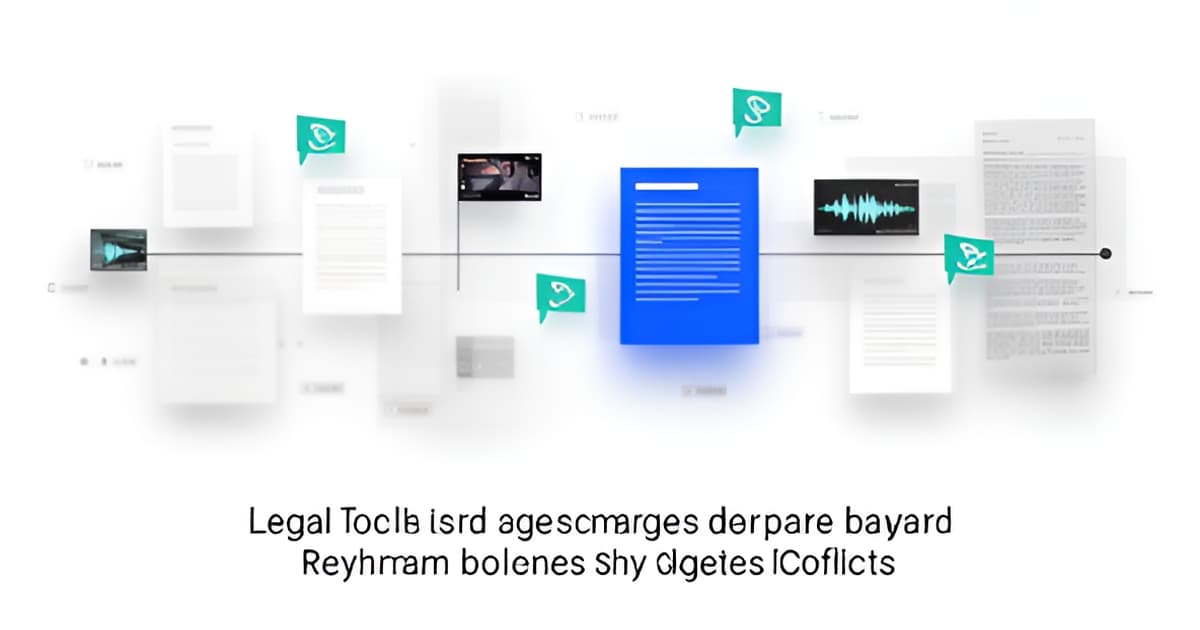
Case Timeline Template: The Defense Attorney's 2026 Guide
Key Facts
- A timeline built from the police report alone tells the prosecution's story, because the report is the prosecution's story, per defense discovery workflows.
- Without a source citation, a court-ready timeline is just an opinion, not evidence.
- A timeline entry you cannot trace back is a timeline entry you cannot use in a motion, according to Case Clarity AI.
- FRE 107, effective December 1, 2024, keeps trial timelines out of the jury room unless parties agree, per NexLaw's guidance.
- Florida requires a first appearance within 24 hours of arrest, so early template fields must flex by jurisdiction, per the Florida timeline guide.
- Federal defendants must file notice of appeal within 10 days of judgment, per Calcagni Law's federal timeline.
- Manual timeline building takes hours for a small file and days for a several-hundred-page production, per Case Clarity AI.
Why a Timeline Built From the Police Report Tells the Prosecution's Story
A timeline built from the police report alone tells the prosecution's story, because the report is the prosecution's story. The officer's narrative, written after the fact, frames what mattered and what never got mentioned, and a chronology drawn from that single document inherits every one of its omissions. Defense timelines work differently: they layer every source, then keep what conflicts.
The layering is the point. A police report, a supplement from a backup officer, bodycam audio, CAD logs, a jail call, and a lab report were written by different people, at different times, for different purposes, as this defense discovery review workflow lays out. Stack them on one clock and the gaps between accounts become visible. That is where suppression arguments and cross-exam material actually live.
Generic case timeline templates fail here in predictable ways:
- They treat the report as the spine and everything else as corroboration.
- They reconcile conflicting times instead of preserving them, hiding discrepancies that matter on detention length or the order of events.
- They carry no citations, so no entry can survive contact with a motion.
- They skip the legal annotations (Miranda custody points, warrant timing relative to the search) that turn a factual record into a strategic one.
Citations are now the baseline, not a nice-to-have. A court-ready timeline is "a list of dated events where every entry points to the page that proves it," and without a source it is just an opinion. The same principle applies inside a workspace: an entry you cannot trace back is an entry you cannot use in a motion. Manual builds run several hours for a small file and days for a several-hundred-page production, which is exactly the workload where an unverified, uncited template quietly becomes a liability.
One caution on transcripts. A transcript is someone's rendering of a recording, and tone, gestures, and what happened off-mic change meaning. Timestamps drift from the source. For any high-significance item, watch the footage.
That is the workflow evidence management platforms are built for, and it is why evidence management for defense attorneys starts with source-linked entries rather than a blank grid. Build the chronology first, keep the conflicts side by side, and present the shorter timeline later.
The Citation-Required Entry Schema (and the Defense Layers to Add)
A timeline entry you cannot trace back is a timeline entry you cannot use in a motion, and that single rule reshapes how you build the template. According to Case Clarity AI's guide to building timelines from documents, a case timeline template only earns its keep when every row points to the page or moment that proves it.
So the core of the template is a citation-required entry. Each row carries the date and time with time zone, a neutral description of the event, the people involved, the source document plus page or video timestamp, an issue tag, and a status field (undisputed, disputed, or conflict). NexLaw's court-ready timeline guidance puts it plainly: without a source, a timeline is an opinion. Build the schema so a missing citation is a visible failure, not a formatting choice.
Then add the defense layers a generic chronology skips:
- Multi-source rows: police report, supplemental reports, bodycam, CAD/dispatch logs, jail calls, witness statements, and lab reports each get their own entry, never merged into one "official" version.
- Conflicts kept side by side: the defense discovery review workflow warns against reconciling conflicting times or sequences, because early reconciliation hides the discrepancies that matter on detention length and event order.
- Basis-of-knowledge column: what each officer actually observed versus what they were told.
- Legal annotations: Miranda custody points, warrant timing against the search, and arrest-to-arraignment intervals.
- Motion leads and a missing-discovery request list, so gaps become tasks instead of surprises.
Two more fields finish the job. A verification column forces you to watch footage for every high-significance entry, since a transcript is someone's rendering of a recording and its timestamps can drift. And a stage tag anchors each event to the procedural spine, from complaint and initial appearance through discovery, pretrial motions, trial, and sentencing, with the 10-day federal appeal deadline noted where relevant.
That structure is what turns a factual record into a strategic tool. A workspace like Evidence Copilot keeps the citation chain intact by design: every AI answer carries a citation that seeks the exact video moment or PDF page, output is marked AI-generated and pending human review, and originals stay immutable. The template supplies the columns; the evidence management layer keeps every entry traceable back to its source, which is exactly what evidence management for defense attorneys has to mean in practice.
Building the Template: A Step-by-Step Workflow for 2026
A good case timeline template isn't a spreadsheet you download. It's a scaffold you build around the case's procedural spine, then fill with entries that trace back to a source on every line. As one practitioner guide puts it, a timeline entry you cannot trace back is a timeline entry you cannot use in a motion.
Start with the outer scaffold: the procedural stages your case will actually move through. In federal court that means complaint, arrest, indictment or information, initial appearance, arraignment, discovery, pretrial motions, plea or trial, sentencing, and appeal, with a 10-day notice-of-appeal deadline and discovery that remains a continuing prosecutor obligation throughout (Calcagni Law's federal case timeline). State courts differ in ways that matter: Florida requires a first appearance within 24 hours of arrest (the Florida timeline guide), so your template's early-stage fields should flex to your jurisdiction.
Next, ingest the discovery into the working layer. A defense timeline layers every source, not just the official narrative: police report, bodycam, dispatch and CAD logs, jail calls, witness statements, and lab reports, because those documents were written by different people at different times for different purposes. That's where the defense value lives. When you arrange facts from every document along a single timeline, patterns emerge and contradictions surface (Case Clarity AI).
Each entry should carry the same fields every time:
- Date and time, with time zone noted
- A neutral-worded event description
- People involved, including the officer's basis of knowledge
- Source cite: page, Bates number, transcript line, or exact video moment
- Status tag: undisputed, disputed, or conflict
Two habits separate a working template from a dead one. First, keep conflicts side by side instead of reconciling them; early reconciliation hides exactly the discrepancies that matter on detention length or event order. Second, maintain the full chronology separately from the filtered timelines you pull for motions and hearings; you build the chronology and present the timeline.
When AI tools draft entries, treat the output as an extraction to verify, not finished work product. Watch the footage for every high-significance item, since a transcript is someone's rendering of a recording and timestamps can drift. This is where a grounded workspace earns its keep: Evidence Copilot's approach to evidence management puts a clickable citation on every AI-suggested timeline event, seeking the exact second of video or page of PDF, and marks everything pending human review. For defenders evaluating evidence management for defense attorneys, the test is simple: can you click any entry and land on the source? If not, it's an opinion, not an entry.
From Timeline to Motion: Suppression Leads, Cross-Exam Drafts, and Exports
The finished case timeline template is not the end of your review. It is the starting point for your motions.
When you build the chronology, you are capturing the raw facts. But the defense work happens when you filter that data for specific legal arguments. You need to isolate the moments that support a suppression motion or expose an officer’s inconsistency.
This is where the template becomes a living document. You do not reconcile conflicting accounts. You keep them side by side. This approach ensures you do not hide the discrepancies that matter for detention length or event order. As noted in defense discovery workflows, early reconciliation hides exactly the discrepancies that can matter on detention length.
Your timeline feeds directly into your suppression motion prep. You can pull the Miranda chronology straight from your entries. If you marked the custody point and the interrogation start time, you have the core of your argument ready. You do not have to dig through bodycam footage again to find the exact second the officer asked for consent.
Cross-examination drafting benefits from this structure too. When you spot a conflict between the police report and the 911 call, you can draft questions tied directly to those quoted sources. The template links the question to the evidence. This makes it easier to impeach an officer without losing the thread of the interview.
Consider the workflow for a typical pretrial motion:
- Suppression Motion Prep: Draft the outline using the consent and search-scope events from your timeline, with both sides quoted and cited.
- Miranda Timeline: Generate a chronological custodial-interrogation timeline to verify when warnings were given relative to the arrest.
- Exhibit List Builder: Create a draft exhibit list tied to the real video files and document pages you reviewed.
- Cross-Exam Drafts: Generate suggested questions from review signals, ensuring every question is tied to a quoted source.
The export pack is your defensible record. You generate a zip file containing the specific video clips, still frames, and quoted excerpts. It includes a manifest that indexes every citation. This pack proves exactly what you reviewed and where you found it. It is not just a summary; it is a grounded evidence review that stands up to scrutiny.
Manual timeline building takes hours for a small file, but days for a large production. Building a case timeline from documents is time-consuming without the right tools. Evidence Copilot automates the ingestion and citation linking, allowing you to focus on the legal strategy rather than the data entry.
You can book a 20-minute walkthrough to see how the timeline feeds your motion prep. Or start on the Solo plan to test the workflow on your next case.
Frequently Asked Questions
What actually makes a case timeline template court-ready instead of just a spreadsheet?
Why do generic timeline templates fail in criminal defense cases?
Should I reconcile conflicting times in my timeline, or leave them in?
Can I rely on a transcript instead of watching the bodycam footage?
How do I structure a case timeline template around the procedural stages of a case?
Can AI build my case timeline for me?
Build the Chronology, Keep the Conflicts, Present the Shorter Timeline
A case timeline template earns its keep the moment every entry traces back to a source, the page, the Bates number, or the exact second of video, and every conflict stays visible instead of getting reconciled away. That is the difference between a chronology that feeds your suppression motion and a spreadsheet that quietly inherits the police report's omissions. The workflow is the same whether you build it manually or with help: layer every source, annotate the legal moments, verify the high-significance entries against the footage itself, and keep the full chronology separate from the filtered timeline you present. If AI drafting is part of your 2026 stack, treat every suggested entry as an extraction to verify, not finished work product, the test is whether you can click any entry and land on its source. Evidence Copilot's approach to evidence management is built around that test, with citation-linked entries and human review on every output. Want to see how a grounded timeline feeds motion prep on a real file? Book a 20-minute walkthrough or start on the Solo plan and run the workflow on your next case.