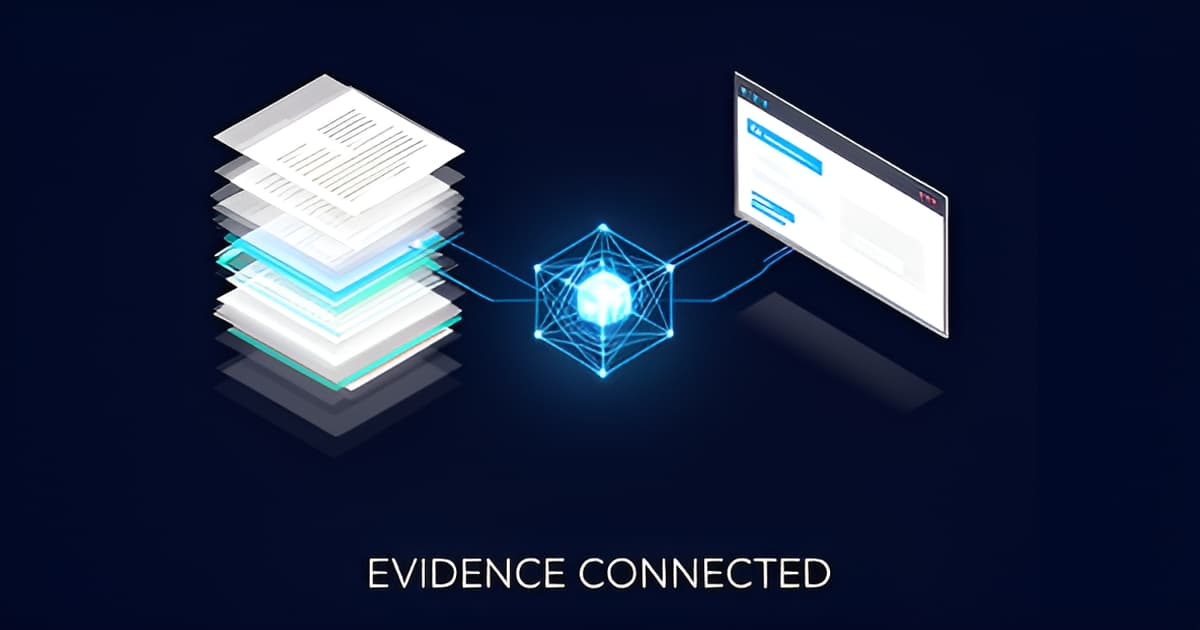
If you have been watching the legal-tech feed for the past year, you have seen the phrase "Claude for lawyers" come up a lot. Search volume for that exact term is up roughly 3,000% year over year. Most of what gets written about it is abstract: AI will change practice, AI will replace associates, AI will hallucinate a citation and get you sanctioned. Almost none of it tells you what the plumbing actually looks like when you sit down at 11 p.m. the night before a suppression hearing with 40 hours of bodycam, six jail calls, and a police report that does not match the video. Here is the concrete version. There is a protocol called MCP (Model Context Protocol) that lets a general-purpose assistant like Claude Desktop, ChatGPT, Claude Code, or Cursor query a data source you point it at. In the defense context, that data source is a case file: transcripts, OCR'd reports, video, audio. You ask a question in the chat app you already use. The connector searches the case, reads the relevant window, and answers with citations that click back to the exact second of video or page of the PDF. That is the whole idea. The rest of this piece is about how it works, what it is good for in a real defense workflow, and where the human-review gate has to sit.
Key points
- MCP (Model Context Protocol) is what lets a general assistant like Claude Desktop or ChatGPT query a case file you control, with read-only, revocable, audited access.
- Search interest in "claude for lawyers" is up roughly 3,000% year over year, and no defense-side evidence tool has shipped an MCP connector until now.
- A working connector flow is four steps: paste the MCP URL, click Connect, sign in, Allow. No API tokens to manage or rotate.
- The real payoff is citation integrity: every answer should point to the exact second of bodycam or page of a police report, and every AI output should be marked pending human review.
- MCP is a wedge into suppression-motion prep, Brady/Giglio review, and cross-exam prep, not a replacement for attorney judgment.
MCP is a standard way for an AI assistant to reach out to an external system and pull structured data back into the conversation. Before MCP, if you wanted Claude to know about your case, you pasted text into the prompt window and hoped the context did not overflow. After MCP, the assistant can call tools: list the cases, list the evidence in a case, search across transcripts and documents, read a window of a transcript around a hit, and fetch a citation object that points at a specific moment. For a defense team, the tool set that matters is small and concrete. list_cases shows what you have open. list_evidence shows the files in one case: the bodycam upload, the dashcam, the interrogation-room footage, the 911 audio, the jail calls, the police report PDF, the scanned exhibits. search_evidence runs full-text search across the transcripts and OCR'd document text. read_window pulls a chunk of transcript around a hit so the assistant can quote what was actually said. get_citation returns the citation itself, which is what turns a chat answer into something you can drop into a motion. The access posture matters as much as the tool list. A properly built MCP server for defense work is read-only, scoped to your organization, revocable from your side, and fully audited. That is the difference between a connector you can put in front of a skeptical managing partner and one you cannot.
One reason MCP connectors have a reputation for being fiddly is that early implementations made you copy long-lived API tokens into config files. Those tokens expire, they leak into screenshots, and someone has to rotate them. The connector flow that works for a defense office is the OAuth one. It goes like this. Open your MCP settings in Claude Desktop or ChatGPT. Paste the MCP endpoint URL. Click Connect. A standard sign-in page opens; you sign in and click Allow. That is the entire setup. There is no token to manage, no JSON config to hand-edit, and no credential sitting in a dotfile on a shared workstation. When someone leaves the office, you revoke their access from your side and the audit log records it. If you want to see the exact steps with screenshots, the walkthroughs live at /integrations. The point of the no-token flow is that a law clerk can set it up without calling IT, and a public-defender office can onboard a dozen attorneys without a credential-distribution problem.
Take a real-shaped task. You have a motion to suppress to argue in the morning. The stop lasted somewhere between 12 and 25 minutes depending on which version you read. The consent to search is on bodycam at one point and described differently in the report. A K-9 arrived at some point. Miranda was administered, maybe. You need a motion outline with both sides' accounts quoted and cited. With an MCP connector, you open Claude Desktop and ask: pull every mention of consent, search scope, stop duration, the K-9, and Miranda administration across the bodycam transcript, the interrogation transcript, and the police report. The assistant runs the searches, reads the transcript windows, and returns a draft outline. Each proposition in the outline carries a citation: the exact timestamp in the bodycam where the officer asks for consent, the page of the report where the scope is described, the timestamp in the interrogation where Miranda is administered. The output is a draft. It is marked AI-generated and pending human review. You read it, you check the citations, you decide what goes in the motion. The tool did the finding and the quoting. You did the lawyering. That split is the whole product philosophy, and it is also the only posture consistent with the competence obligations most states have now written into their comments on generative AI.
The highest-value moment in evidence review is often the one nobody thought to look for. A detective's report says the defendant was read Miranda at the scene. The bodycam audio, once transcribed with word-level timestamps, shows the advisement happening 40 minutes later in a locked interview room. That is a suppression argument and a credibility argument, and you only find it if someone cross-read the two sources. A grounded evidence workspace can do that cross-reading on ingest. When a new file lands, it gets compared against the evidence already in the case. Candidate inconsistencies surface as unreviewed review signals: report versus bodycam, statement versus call audio, and so on. They arrive flagged as candidates, not conclusions. Each one carries both sides' quotes with citations so you can verify in about 90 seconds whether it is real. From a verified signal, the natural next step is cross-exam prep. A good workflow will draft suggested questions from the signal, each question tied to a quoted source, with no credibility conclusions baked in. The questions land as attorney-review notes. You keep the ones that work. The signal and the questions both stay in the case file with an audit trail, which matters when the prosecution asks how you found the inconsistency.
Two properties separate a usable defense tool from a demo. First, every AI answer cites the exact source moment it came from. Not "the transcript says" but the transcript timestamp, with a deep link that seeks the video player to that second. Second, every AI output is marked AI-generated and pending human review, and the tool never renders a legal conclusion. Those two properties are what let you use an AI assistant inside an ethics framework. ABA Model Rule 1.1 competence commentary in a growing number of states now addresses generative AI directly. Rule 5.3 covers supervision of nonlawyer assistance, which is increasingly read to cover software. The posture that survives scrutiny is the one where the machine's work is traceable and the lawyer's judgment is visibly the last step. If a tool cannot show you the source for a claim, do not put the claim in a filing.
JusticeText is the closest direct comparison: transcription-first, roughly $1,200 per attorney per year, with a body of user complaints about transcription quality and no published G2 presence to check. Reduct (reduct.video) does video transcription and clip extraction and has its own issues with specialized legal terminology. Vidizmo and CaseGuard sell AI evidence management and redaction to agencies and law-enforcement buyers, which is a different buyer and a different workflow. SecureRedact is police-media redaction. Thomson Reuters CoCounsel runs around $400 per user per month and is a research and memo tool with no evidence-media review. Axon Evidence is the prosecutor-side platform defenders get handed and have to live with. Against that backdrop, the axes that matter to a defense office are: word-level timestamped transcription with diarization you can QC, OCR on scanned reports and photo exhibits, full-text search that returns citations, redaction that never touches the original file, a real audit trail, and published pricing. Evidence Copilot's PD Office tier is $750 per attorney per year with 100 media-processing hours included, which undercuts JusticeText's published number by roughly 38%. Solo is $39 per user per month with 15 hours; Firm is $99 per user per month with 60 hours. Overage is metered and hard-capped at three times the included hours so a runaway intake cannot overbill you. There are no feature tiers; every plan gets the full workspace. New accounts get a 7-day full-access trial at the Firm level with no card, and every paid plan carries a 14-day money-back guarantee. On the MCP axis specifically, no defense-side competitor has shipped a connector at all, let alone the no-token OAuth flow. That is the wedge. It is also the reason the "claude for lawyers" search trend is worth watching for defense-tech buyers rather than just legal-tech Twitter.
Four questions worth asking any vendor before you point a chat app at your case file. One: is the connector read-only and org-scoped? If a general assistant can write to your case file, that is a supervision problem you do not need. Two: is access revocable from your side and fully audited? Associates and clerks turn over. The audit log is what you show when a court asks about your discovery handling. Three: does every AI answer carry a citation to the exact source moment? If the answer is a paragraph of prose with no citations, it is not usable in a filing. Four: is every AI output marked pending human review, with originals immutable? Redactions should be derived files with the original untouched. Auto-signals should be unreviewed candidates. Sync proposals should carry match evidence and never auto-apply. If the answers to those four are right, the connector is a workflow tool. If any of them are wrong, it is a liability with a chat interface.
The "Claude for lawyers" trend is real, and the underlying technology is genuinely useful for defense work, but only in the shape described above: a read-only, org-scoped, revocable, audited connector that answers with citations to the exact second of video or page of a report, with every AI output marked pending human review. That is the shape that lets you move faster on suppression prep, Brady and Giglio review, and cross-exam prep without putting an unverifiable claim in front of a judge. If you want to see the workflow on your own discovery, book a 20-minute walkthrough at evidencecopilot.com/book or start on the Solo plan at evidencecopilot.com/signup. No rush, no sales wall: published pricing and a 14-day money-back guarantee mean the decision does not have to be made today.