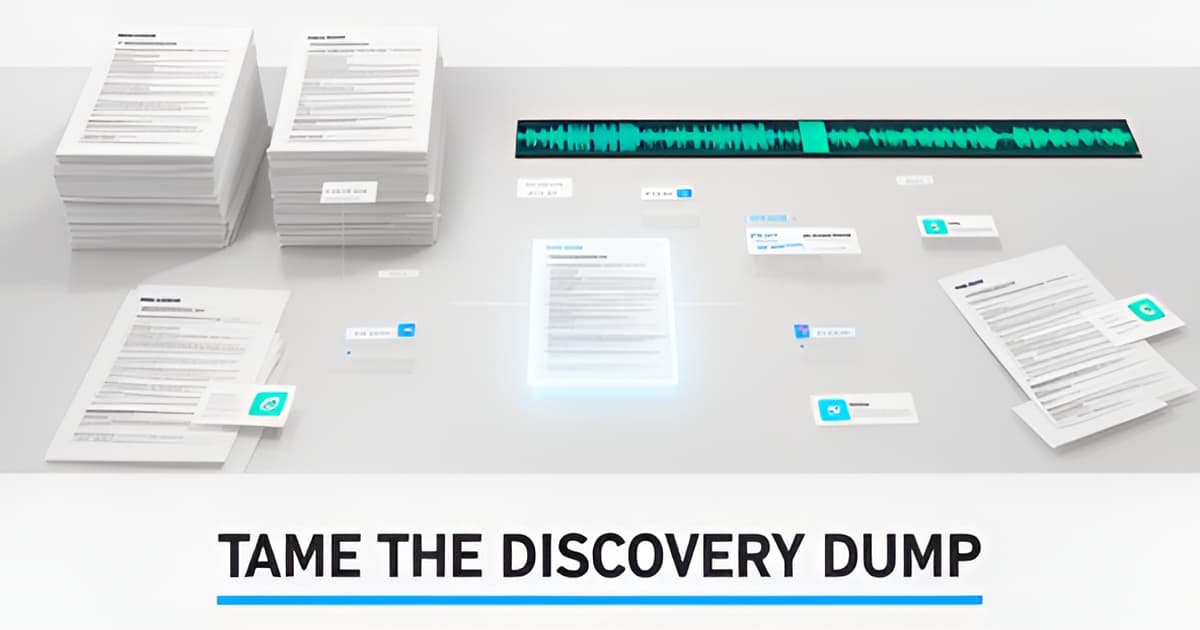
Every defender knows the moment. The disc or the link arrives, and it's 40 hours of bodycam, three interrogation videos, a stack of scanned police reports with no text layer, jail calls, and a 911 recording. Your preliminary hearing is in nine days. The question that gets asked in every defender forum, over and over, is some version of: how do you get through all the discovery? Here's a workflow that works, using a grounded evidence-review workspace built for the defense side. Every step keeps you in control of the judgment calls, because the tool marks its own output as AI-generated and pending human review.
Key points
- Discovery dumps mix bodycam, interrogation video, jail calls, 911 audio, and scanned PDFs, and the bottleneck is that none of it is searchable
- Diarized transcripts with word-level timestamps let you jump to the exact second instead of scrubbing video for hours
- Auto-signals compare each new file against earlier evidence and surface report-vs-bodycam inconsistencies before anyone asks
- Cross-exam drafts come with both sides quoted and cited, suggested questions only, no credibility conclusions
- Redaction always creates a new derived file; originals stay immutable and every action is audited
Upload everything into a single case: video, audio, images, PDFs, up to 2 GB per file. If you're working with a small office, you can skip the upload screen entirely. Each case gets its own inbound email address, so an investigator can forward the discovery email with attachments attached and the files land in the case. [email protected] even creates a brand-new case from the subject line. This matters more than it sounds. When evidence arrives by email from three different agencies on three different days, you don't want it scattered across inboxes.
Every video and audio file gets a transcript with speaker diarization and word-level timestamps. One click renames a speaker, and that rename propagates across every segment, so 'Officer 2' becomes 'Det. Marsh' everywhere at once. Scanned police reports and photo evidence, receipts, exhibits, phone screenshots, get OCR'd into searchable, citable text. This is where the free DIY stack tends to fall apart. Local Whisper plus a notes app gives you a wall of text with no diarization QC, no citations you can hand to a colleague, and no audit trail. At case scale, that stack breaks.
Once the case is transcribed and OCR'd, you get an AI evidence agent you can chat with. Ask it what the victim told the 911 dispatcher about the weapon. Ask it what the defendant actually said during the interrogation, versus what the report claims he said. Every answer carries citations that seek the exact second of video or the exact page of the PDF, so you click through and verify before you rely on anything. The agent can pull video frames, extract clips, write notes and timeline events, and email transcript excerpts. It never makes legal conclusions, and its output is always marked AI-generated and pending human review. That framing isn't a disclaimer bolted on at the end. It's the design.
Here's the feature that changes how preliminary-hearing prep goes. When a new file lands, it's compared against everything already in the case. If the police report says the stop lasted four minutes but the bodycam shows eleven, that surfaces as an unreviewed review signal before you've asked a single question. Report-vs-bodycam, statement-vs-jail-call, the pairs that win cross-examinations get flagged on ingest. You still review each one. But you're triaging from a shortlist instead of re-reading everything hoping to catch the discrepancy yourself.
From a review signal that has both sides quoted, you can generate a cross-exam draft. It's suggested questions only, and every question is tied to a quoted source. No credibility conclusions, because that's your call and the jury's. Drafts save as attorney-review notes, so nothing goes out the door without a human reading it. If you're drafting a motion to suppress, the Suppression Motion Prep playbook runs a consent, search-scope, stop-duration, K-9, and Miranda sweep and drafts a motion outline with both sides quoted and cited. The Miranda Timeline playbook builds a chronological custodial-interrogation timeline, which is exactly what you need when the interrogation spanned two rooms and four hours.
Multi-camera sync links bodycam, dashcam, and interview-room footage of the same event to one master clock, with sync proposals computed from word-timing correlation and reported with match evidence like '31 word matches, plus or minus 0.2 seconds.' Nothing auto-applies. For discovery turnover or filing, redaction works at frame-level on video, word-level on audio, and region-level on images and PDFs. Every redaction creates a new derived file. Originals are never touched, and every action is audited. AI-suggested redaction regions for bystanders, minors, and license plates file as suggestion cards marked 'AI-suggested, needs review.' When you're done, export an exhibit pack: video clips, still frames, quoted excerpts, and a MANIFEST.md citation index, gated by per-member export permission.
Pricing is published, with no sales wall. Solo runs $39 per user per month with 15 media-processing hours included. Firm is $99 per user per month with 60 hours. Public-defender offices pay $750 per attorney per year with 100 hours, which undercuts JusticeText, the closest funded competitor at roughly $1,200 per attorney per year, by about 38%. Overage is metered and hard-capped at 3x included hours, so a runaway intake month can't overbill you. Every plan includes the full workspace; there are no feature tiers. New accounts start with a 7-day full-access trial, no card required, and there's a 14-day money-back guarantee on every paid plan. If the trial lapses, processing pauses but your cases and files stay accessible.
The discovery problem isn't going to get smaller. Bodycam mandates, jail-call recording, and scanned-everything disclosure mean the dumps keep growing while staffing doesn't. The workflow that holds up is the one where the machine does the mechanical work, transcription, OCR, comparison, and drafting, and every output carries a citation you can click and verify before it touches your judgment. If you want to see it on a real case, book a 20-minute walkthrough at evidencecopilot.com/book, or start on the Solo plan at evidencecopilot.com/signup and point it at your ugliest open case.