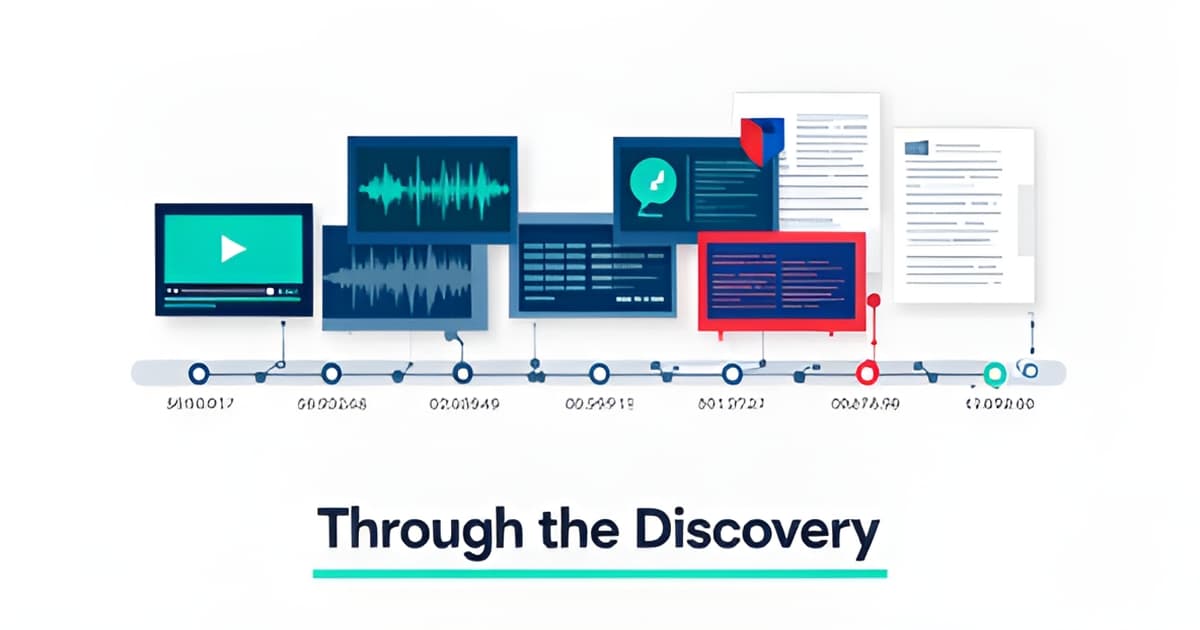
If you've opened this piece, you probably have a case folder with 40 hours of bodycam, three interrogation videos, a stack of scanned police reports, and a few months of jail calls. And a preliminary hearing in two weeks. The question defenders ask each other online isn't "what review software should I buy." It's more basic: how do you get through all the discovery? Here's a workflow that works, built around the order most offices actually review things, and the places where tools either help or get in the way.
Key points
- Discovery dumps now routinely include bodycam, interrogation video, jail calls, 911 audio, and scanned reports, and manual review breaks down at that scale.
- A repeatable pass structure (inventory, transcripts, inconsistency sweep, timeline, work product) turns a pile of files into a defensible case theory.
- Report-vs-bodycam inconsistencies are the highest-value finding in most cases, and they're findable only if you can search both media side by side.
- Every AI-assisted output should carry a clickable citation to the exact second of video or page of the PDF, and be marked pending human review.
- Published pricing matters: defense teams should be able to see costs up front, with no sales wall.
The instinct is to start watching. Resist it. First, build an evidence inventory: what files exist, what type each one is, and what event each one documents. Prosecutor-side platforms like Axon Evidence give defenders a slow player and nothing else, so the inventory step usually happens in a spreadsheet or not at all. That's where things start to fall apart, because you can't flag a report-vs-bodycam inconsistency if you don't know which bodycam corresponds to which officer's narrative. If you're using a review workspace, the inventory should be generated for you on upload. Evidence Copilot, for example, builds an evidence inventory as part of its one-click case brief, and every file that lands in a case gets timestamped diarized transcription (video and audio) or OCR (scanned PDFs with no text layer, photo evidence like receipts and screenshots). The point isn't the tool. The point is that you need a searchable map before you can review anything.
Once everything is inventoried, the next bottleneck is transcription quality. Generic transcription services miss specialized legal terms, and free DIY stacks (local Whisper plus NotebookLM) break at case scale: no diarization QC, no citations, no audit trail. What you need is a transcript where speakers are separated and labeled, word-level timestamps exist, and renaming Speaker 2 to "Det. Harlan" propagates across every segment. That last detail sounds small until you've renamed the same speaker forty times in a four-hour interrogation transcript. Speaker diarization with one-click renaming is the difference between a transcript you cite in a motion and a transcript you re-listen to every time you need a quote.
Here's where most review workflows earn their keep. The classic impeachment material in a criminal case is the gap between what the police report says and what the bodycam shows. Maybe the report describes a consensual encounter; the footage shows a detained man who asked if he was free to leave. Maybe the report says the defendant was read his rights; the interrogation video cuts in four minutes late. These gaps are the highest-value findings in most cases, and the search demand reflects it: "police report vs body cam footage" is a fast-growing query with essentially no competition. Do the sweep systematically. Compare each report paragraph against the corresponding footage, and each witness statement against the 911 call or jail call audio. If your workspace does it for you, even better. Evidence Copilot compares every newly ingested file against earlier evidence in the case and surfaces candidate inconsistencies as review signals before anyone asks. Every signal is unreviewed until a human looks at it, which is the right posture. The tool proposes; you decide.
For suppression work, chronology is everything. A motion to suppress turns on when the stop started, when the detention became custodial, when Miranda warnings were given (if at all), and whether the statement came before or after. Build a single master timeline for the case, and separately, a custodial-interrogation timeline for any statement case. Multi-camera sync matters more than people expect: when bodycam, dashcam, and interview-room footage of the same event are linked to one master clock, you can play them back in sync and see what the officer's body was doing while his mouth was saying "you're free to go." Evidence Copilot computes sync proposals from word-timing correlation and reports the match evidence (something like "31 word matches, plus or minus 0.2 seconds"), and never auto-applies them. That's the correct default. A bad sync is worse than no sync.
Once you've confirmed an inconsistency, the work product follows a familiar shape. For cross: a set of questions, each tied to a quoted source, so you can hand the officer the report page and cue the footage second. For suppression: an outline covering consent, search scope, stop duration, K-9 use, and Miranda, with both sides' language quoted and cited. Tools can draft first passes of both. Evidence Copilot's cross-exam drafts produce suggested questions only, every question tied to a quoted source, and no credibility conclusions. The suppression playbook drafts a motion outline with both sides quoted. That boundary is the right one: software can assemble the quotes and citations, but the judgment about what to ask and what to argue stays with the attorney. Every AI output in the product is marked AI-generated and pending human review, and the product never makes legal conclusions. If a vendor won't tell you where the machine's work ends and yours begins, that's a problem.
Discovery goes both ways, and so does evidence with PII in it. When you turn over exhibits, you'll need to redact bystander faces, minor faces, license plates, and on-screen personal data. Frame-accurate video redaction (drag a rectangle, black or blur), word-level audio redaction (pick the exact spoken words and that span is muted), and image and PDF redaction are the standard requirements. The non-negotiable part: every redaction must be a new derived file. Originals stay immutable, and every action gets audited. AI-suggested redaction regions can speed this up, but they should file as suggestion cards marked as needing review, never auto-applied. When you export, you want an exhibit pack with clips, still frames, quoted excerpts, and a manifest that indexes every citation, gated by per-member export permission.
Defenders are rightly skeptical of pricing games. JusticeText runs roughly $1,200 per attorney per year. CoCounsel is around $400 per user per month, and it does research and memos, not evidence-media review. Evidence Copilot publishes its pricing with no sales wall: $39 per user per month for solo practice with 15 media-processing hours included, $99 per user per month for firms with 60 hours, and $750 per attorney per year for public-defender offices with 100 hours. That PD tier undercuts JusticeText by about 38 percent. Overage is metered and hard-capped at three times the included hours, so a runaway discovery dump can't produce a runaway invoice. Every plan includes the full workspace, there are no feature tiers, and there's a 14-day money-back guarantee on paid plans.
Nobody gets through a modern discovery dump by watching everything start to finish. You get through it by building a searchable map, running a systematic inconsistency sweep, and converting confirmed gaps into cited work product. The tools that help are the ones that keep every claim traceable to the exact second of video or page of the PDF, mark every AI output for human review, and leave the legal judgments to you. If you want to see the workflow end to end, book a 20-minute walkthrough at evidencecopilot.com/book, or start on the Solo plan at evidencecopilot.com/signup and take it from there.